
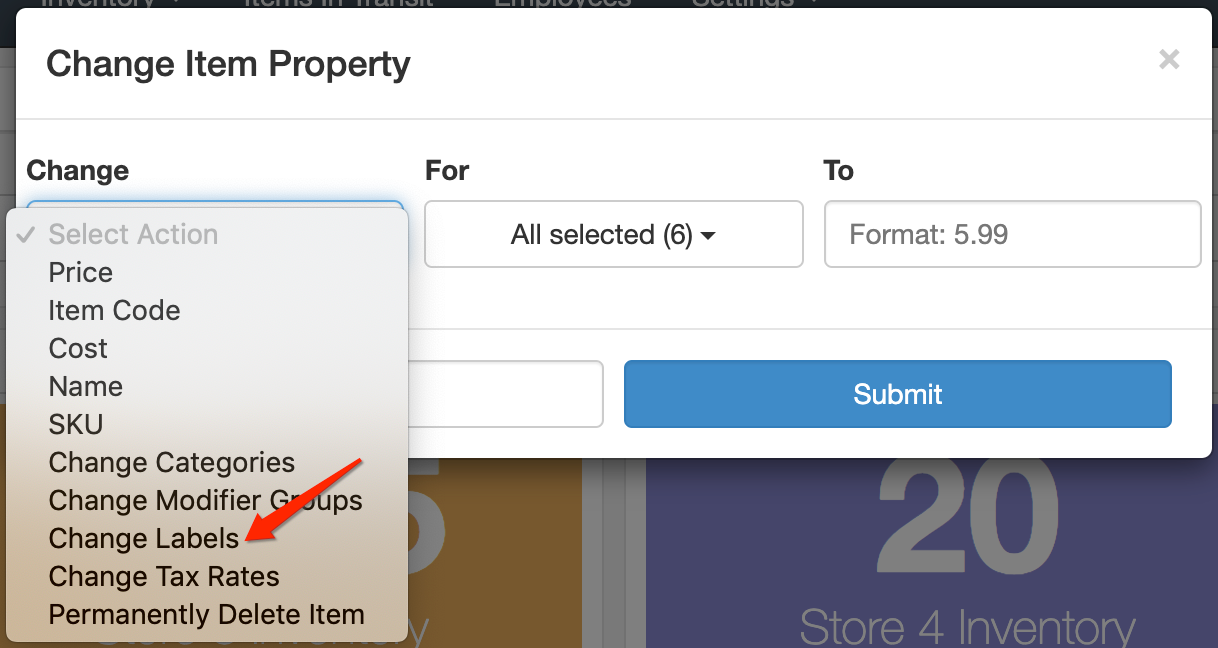
To view an item's labels, go to the Inventory Dashboard and search for your item under Find an Item. Select Change Item Property under Make Changes, then set Change to Change Labels. The Labels field will display the current labels assigned to that item.
Comments
0 comments
Article is closed for comments.